
Your academic ID and password are all you need today to access your professional email on the Nancy-Metz academy portal. However, this login/password combination is a fragile protection: if just one factor is compromised, all your exchanges, contacts, and shared documents become accessible. Strengthening the security of your PIAL messaging requires concrete measures, some of which are already deployed in other academies and are gradually arriving on the Nancy-Metz webmail.
Academic password: what makes yours vulnerable
The majority of email account compromises in national education start with a password that is too simple or reused on a personal service. The NUMEN, often used as a starting point to create an initial password, remains information that several colleagues or former colleagues may know.
Have you noticed that the academic portal does not always impose strict criteria when changing your password? This is a point you need to compensate for yourself. The CNIL recommends a minimal level of entropy for each password, which means in practice: at least twelve characters, mixing uppercase, lowercase, numbers, and special characters, without any recognizable dictionary word.
A strong password is not enough if it is the same as your personal email or your account on a shopping site. Each online service deserves a unique password. To delve deeper into the topic of authentication for PIAL Nancy-Metz messaging, a dedicated guide details each step. A password manager (KeePass, Bitwarden) helps avoid having to remember them all.
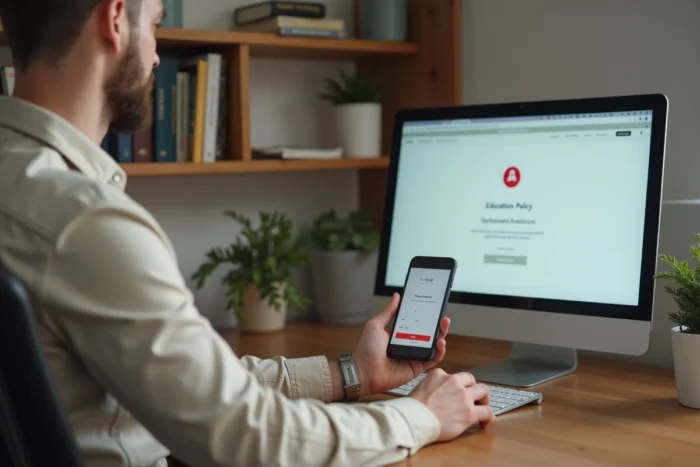
Two-factor authentication on Nancy-Metz webmail: how it is implemented
Two-factor authentication (often abbreviated as 2FA) adds a second verification after entering the password. Instead of relying on a single factor (“what you know”), the login also requires “what you have,” such as your phone.
The principle of a TOTP application
The mechanism most recommended by DINUM for state agents relies on a TOTP (Time-based One-Time Password) application. Specifically, you install an app like FreeOTP or Microsoft Authenticator on your smartphone. This app generates a six-digit code that changes every thirty seconds.
When logging into the academic portal, after entering your ID and password, the system asks you for this temporary code. Without your phone, no one can log in, even if they know your password.
Enrolling the second factor
In pilot academies (Montpellier, Nantes), enrolling the second factor is done from the internal network of the institution or via VPN. Why this constraint? It ensures that it is indeed you, physically present in your institution or connected to the secure network, who associates your phone with your account. This initial step prevents a remote attacker from hijacking the activation procedure.
The Nancy-Metz academy follows the same deployment plan initiated in 2024 by the Ministry of National Education. Two-factor authentication will become the standard for academic messaging in 2026.
Backup codes and application password: two often forgotten bricks
Activating two-factor authentication creates a dependency on your phone. What happens if you lose it, break it, or change it?
Backup codes to keep offline
When activating 2FA, the portal generates a series of one-time backup codes. Each code works only once and replaces the TOTP code in case of emergency. The best practice is to print these codes and store them in a safe place (a locked drawer, not a sticky note on your screen). Do not store them in a file on the same computer used to access your email.
The application password for Outlook or Thunderbird
If you use a heavy email client (Outlook, Thunderbird) or the mail app on your smartphone, classic two-factor authentication does not work with these software. The portal allows you to create a distinct application password, generated by device and revocable independently.
This password is different from your usual academic password. The advantage: if your smartphone is stolen, you can revoke the associated application password without affecting your main account. Other devices continue to function.
- Create an application password for each device (one for Outlook on the PC, one for Thunderbird at home, one for the phone).
- Name each application password explicitly (“Outlook office”, “Thunderbird home”) to know which one to revoke if needed.
- Never reuse an application password on a second device.
Limit access attempts and monitor suspicious connections
A strong password and active two-factor authentication do not protect against everything. CNIL recommendations also include strictly limiting the number of login attempts and temporarily blocking the account after several consecutive failures.
As a user, you do not control the server configuration, but you can act on two points:
- Regularly check the login history of your webmail. Access from an unusual IP address or location indicates a compromise attempt.
- Report any suspicious activity to your academy’s IT support. The support service of the Nancy-Metz academy can temporarily disable a compromised account.
- Avoid logging into your academic email from a public Wi-Fi network (train station, hotel, café) without a VPN. The risk of interception of credentials is higher there.
The CNIL also reminds that shared accounts between colleagues are prohibited. Each agent must have their own ID to precisely trace the actions of each user on the portal.
The introduction of mandatory two-factor authentication for academic messaging does not change the fundamentals: a unique and robust password, an activated second factor, backup codes kept offline, and an application password per device. These four bricks, combined with vigilance regarding unusual connections, cover almost all the risks that an agent of the Nancy-Metz academy is exposed to daily.